
Parent troubleshooting guide
Apple Screen Time not working?
Start with the parental-control setup basics, then decide whether your family wants to keep managing a full smartphone or start with a calmer first phone.
Apple Screen Time can be a useful parental-controls starting point for families. It can show device activity, set app limits, schedule downtime, restrict content, and manage communication settings when everything is configured correctly.
But many parents still reach a point where the phone needs constant management. Limits need to be adjusted. Exceptions pop up. School apps complicate the rules. A setting that worked last month may not match what your child needs this month.
If that is where you are, start with the basics before deciding the tool has failed.
First, check the setup
Work through these items before changing phones or adding another parental-controls app:
Menu names depend on your software version. On iOS 27, Apple's guide uses Apps & Websites, Screen Time Schedule, Time Allowances and Allowed Contacts. If your family has not updated all its devices, follow Apple's guidance for the previous controls rather than expecting identical menus.
- Confirm your child is in your Apple Family Sharing group.
- Confirm Screen Time is turned on for the right child account and device.
- Turn on App & Website Activity so reports can populate.
- Set or reset the Screen Time passcode, and do not share it with your child.
- Update the parent device and child device so settings can sync reliably.
- On iOS 27, review Apps & Websites, Screen Time Schedule, Time Allowances, and Allowed Contacts. On earlier versions, review Downtime, App Limits, Always Allowed, Communication Limits, and Content & Privacy Restrictions.
- Check whether Always Allowed includes apps that effectively bypass the limit you intended.
- Check whether school, browser, messaging, video, or music apps contain links or feeds that behave differently than expected.
This is not a blame exercise. iPhones are powerful general-purpose devices. Screen Time parental controls manage that environment; they do not turn a normal iPhone into a simpler phone.
Why Screen Time can still feel like too much
For some families, the problem is not one broken setting. The problem is the amount of ongoing supervision required.
A normal iPhone is built around an open app ecosystem, web access, notifications, entertainment, communication, and constant updates. Parents can restrict many of those things, but the default shape of the device is still broad. That can create a weekly cycle of reviewing limits, answering exception requests, revisiting app rules, and negotiating what belongs on the phone.
That approach can work for some families, especially with older teens who are ready to practice more independence. For other families, it creates too much conflict around the phone itself.
Manage more, or start smaller?
When Screen Time feels hard to maintain, the useful question is simple: do you want to keep managing a full smartphone, or would your child do better with a phone that starts with fewer risk surfaces?
- Calls, texts, and family contacts still work.
- Maps, camera, calendar, notes, weather, and school tools can be available.
- The App Store is not open for browsing and downloads.
- Social media and short-form video apps are not available by default.
- Web browsers are not available by default.
- Sleep and school routines are supported by the design of the phone, not only by reminders.
That is the safer-first-phone category TobiPhone is built for.
How TobiPhone is different
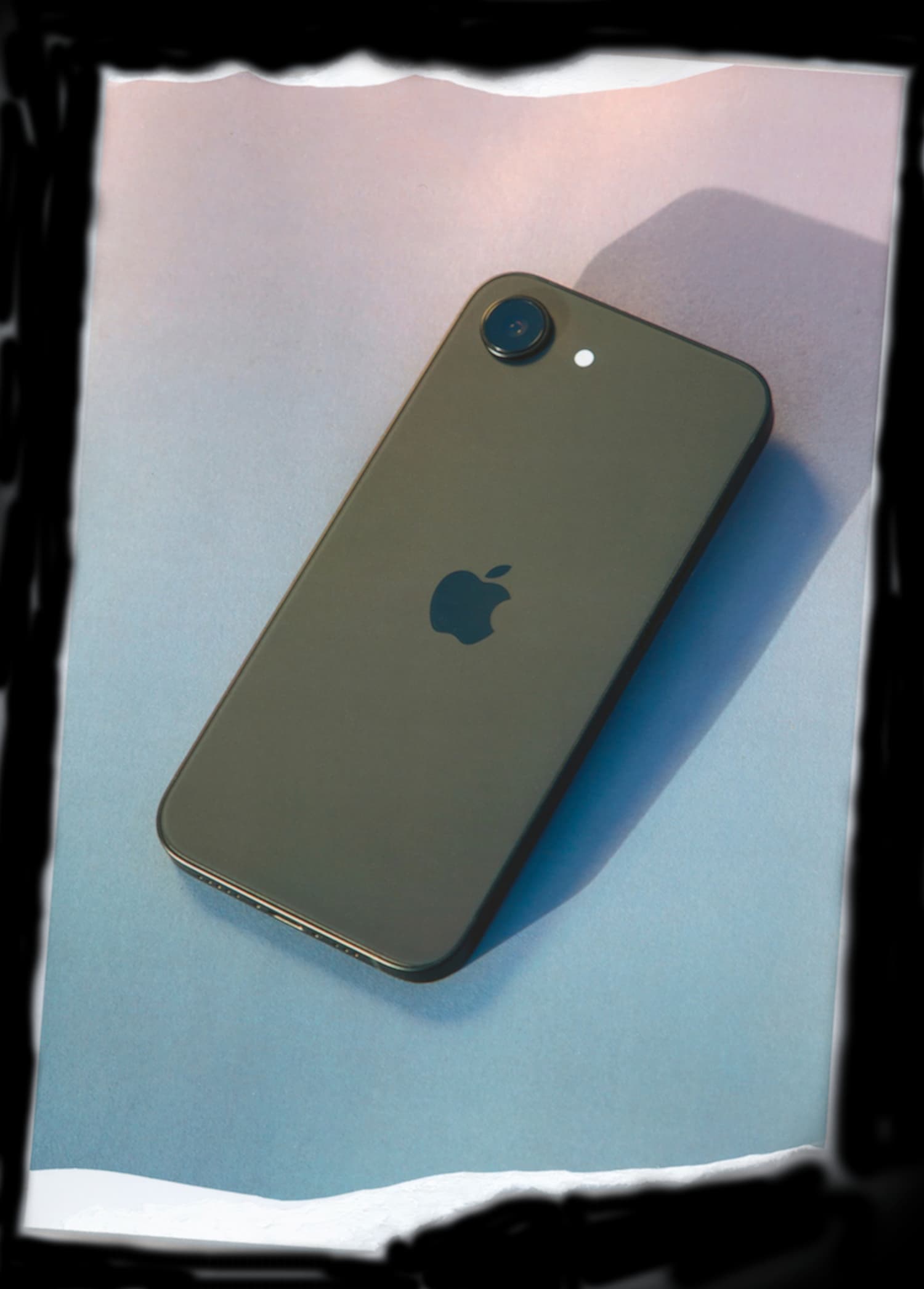
TobiPhone is a real iPhone configured before it reaches your family. The goal is not to watch everything your child does. The goal is to remove the parts of a normal smartphone that create the most daily friction.
Every TobiPhone is managed so the App Store, web browsers, and social-media apps are not available by default. Parents choose from a more intentional app set, and TobiPhone helps walk through those tradeoffs during setup.
TobiPhone is not a message-reading product. The management layer can control apps and settings, but it does not read your child's texts, photos, call logs, browsing history, or personal app content.
It is also not a replacement for parenting, therapy, school policy, or emergency mental-health support. It is a simpler starting point for families who want strong phone boundaries without turning parenthood into surveillance.
When a normal iPhone still makes sense
TobiPhone is not the right answer for every family. A normal iPhone with Screen Time may be a good fit if your teen is ready for broader app access, your family is comfortable maintaining restrictions, and you want the flexibility to open and close different parts of the device over time.
The important thing is to decide intentionally. A first phone should match your child's maturity, your family's routines, and the amount of management you are realistically willing to do.
If evenings are the sticking point, use the teen phone sleep checklist to agree on a practical school-night routine.
Next step
If you are deciding whether your child needs a full smartphone, a basic phone, or something in between, start with the TobiPhone quiz. You can also review the App Guide to see what is included, what is available, and what TobiPhone leaves off by default.