A real iPhone — minus everything built to hook your kid.
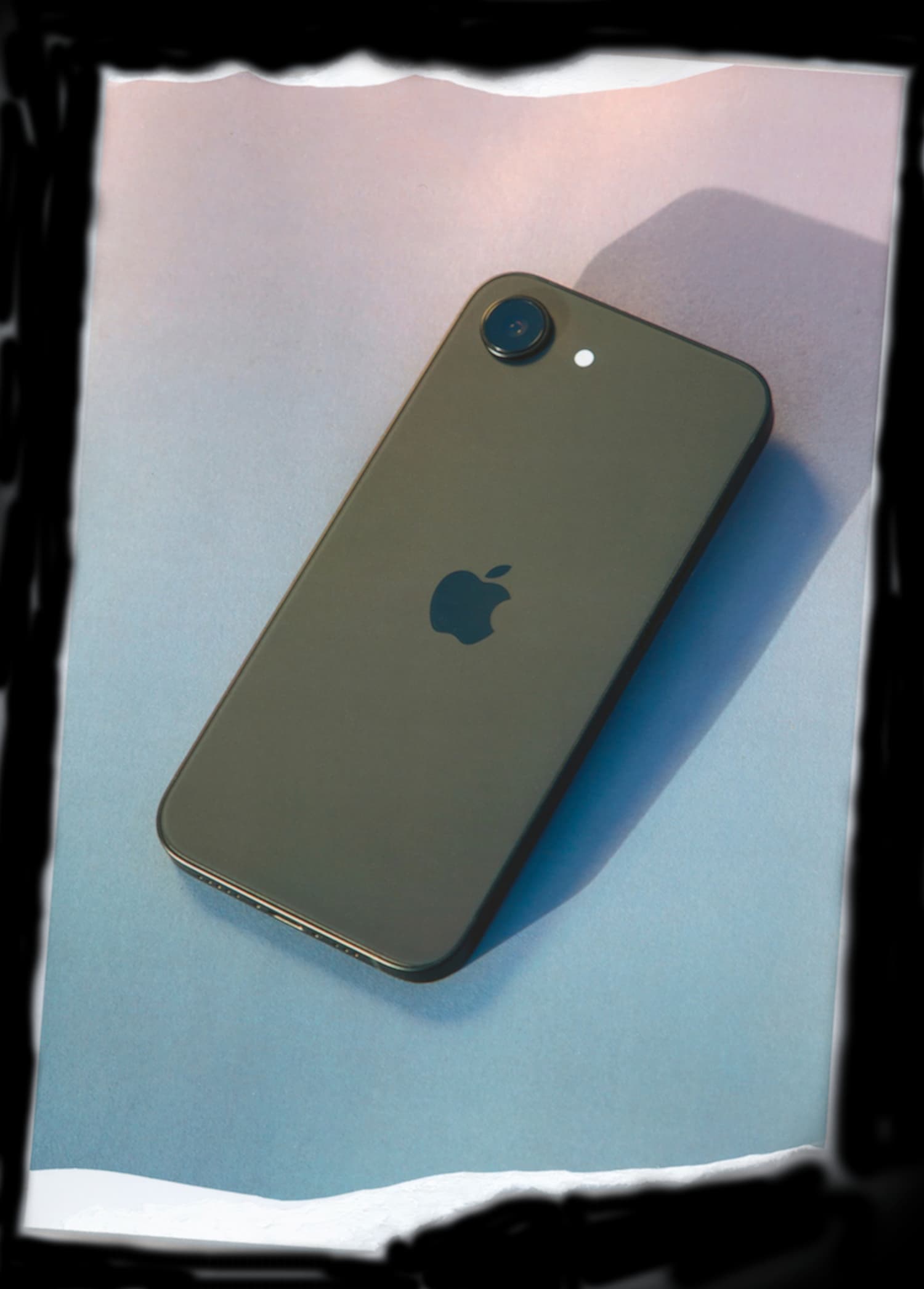
First,
Enroll in a TobiPhone monthly membership starting at $18/month + a $775 set-up and activation fee.

Next,
Receive a new iPhone 17e or 18 Pro, pre-configured with the apps you’ve selected and ready to go the moment it arrives. Safe by default. Cancel anytime, keep the phone.

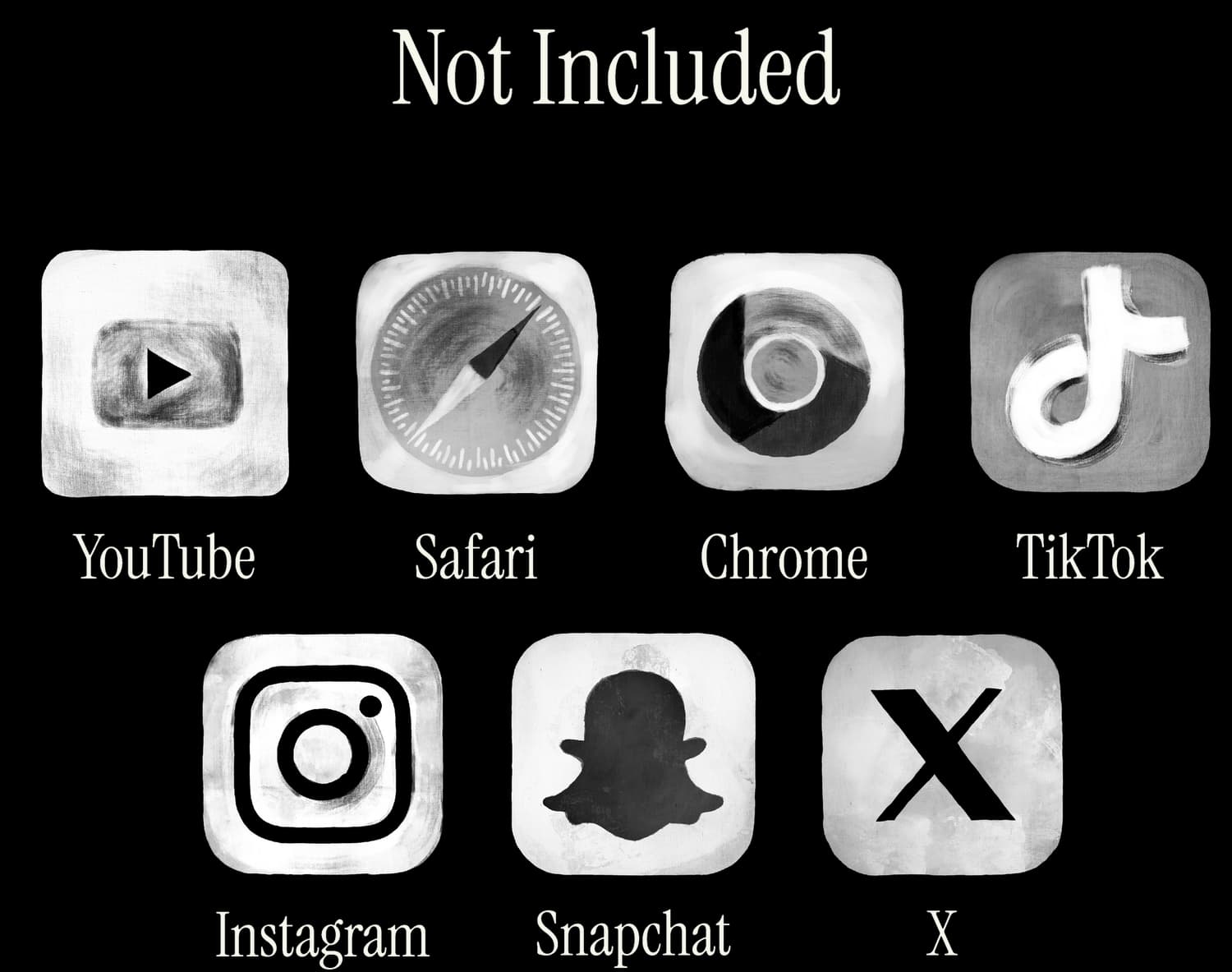
The Apps You Need.
Nothing You Don’t.
My daily screen time average was 19 minutes last week. TobiPhone is a total game changer. I tell everyone I know to get one.


Frequently Asked Questions
Can I monitor my child's texts, calls, or app activity? +
No, and that's by design. TobiPhone uses Apple's MDM (Mobile Device Management) framework to manage what's on the phone, not to provide content monitoring. MDM is used for things like app availability, App Store and browser restrictions, and device-level settings. Families should review the management profile disclosures on the device so they understand what is managed.
We think this is actually a strength. The goal isn't to watch your kid — it's to hand them a phone that needs less day-to-day monitoring. By removing the sources of risk upfront (social media, unrestricted browsing, open app ecosystems), TobiPhone reduces the need for content monitoring in the first place. Your child gets a phone that works for calls, texts, and the specific apps you've approved.
Can I use the carrier I already have? +
Yes. TobiPhone works with any major US carrier — Verizon, AT&T, T-Mobile, and their prepaid and MVNO partners (Mint Mobile, Cricket, Visible, etc.). Since we provide a managed iPhone, it accepts a standard SIM card or eSIM from your existing plan. In most cases, you can simply move your child's current number over to the TobiPhone without changing carriers or plans. If you need help with the transfer during setup, we'll walk you through it.
Does TobiPhone have the ability to access my child's messages, photos, or personal data? +
No. TobiPhone is not a content-monitoring product. We use Apple's MDM framework for device management — which apps are installed, what appears on the home screen, and which device-level settings are enforced — not to review personal conversations or in-app content.
In practice, that means TobiPhone is designed around managing the phone's setup, not reading your child's private content. Families should still review the management profile disclosures on the device and ask us any setup questions before enrollment.
Why is the TobiPhone a subscription? +
Just like schools provide managed devices for students, the TobiPhone is a managed iPhone for home, work, and everywhere else. Think of your membership as a simple lease: you use it, we manage it.
What is the return policy? +
We think you are going to love it. But if the TobiPhone isn't the right fit, simply send it back to us in its original condition within 14 days.
We'll refund your membership fee, no questions asked.
What if Apple's Screen Time is hard to manage? +
Screen Time can be a useful starting point, but some families find that a full smartphone still requires constant tuning, exceptions, and negotiation.
We wrote a calm parent checklist for that decision: Apple Screen Time Not Working?
How is TobiPhone different from Bark Phone? +
Bark is known for monitoring and alerts. TobiPhone takes a different approach: start with fewer risk surfaces, no open App Store, no browser, and no social-media apps by default.
For a privacy-first comparison, read: Bark Phone Alternative
What should I look for in a first phone for my teen? +
Start with the job the phone needs to do: calls, texts, rides, school logistics, maps, family contact, and a small set of approved apps. Then decide whether your family wants a basic phone, a fully open smartphone with controls, or a managed first phone that starts smaller.
We wrote a parent guide for that decision: First Phone for a Teen
How do we keep phones from disrupting sleep? +
Start with a simple school-night routine: where the phone parks, when it charges, which exceptions are allowed, and how the plan changes on weekends or travel nights.
We wrote a practical checklist for that conversation: Teen phone sleep checklist
Can a teen phone work without social media? +
Yes, if you plan for the things social apps often replace: group coordination, school updates, photos, rides, friends, and family communication.
We wrote a guide for that decision: Phone without social media: what still works
What are good smartphone alternatives for teens? +
Start with the least complicated device that does the job: a watch, flip phone, kid phone, regular smartphone with controls, or managed smartphone. The right choice depends on whether your teen needs only reachability or also maps, school tools, camera, calendar, and parent-approved apps.
We wrote a comparison for that decision: Smartphone Alternatives for Teens