

A teen may need communication, rides, maps, school coordination, or family location sharing before they are ready for a fully open smartphone. That is the gap smartphone alternatives are trying to fill.
The right choice depends on what your teen needs now, what your family wants to delay, and how much daily management the adults can realistically maintain. This guide was checked against official Bark, Gabb, Pinwheel, and TobiPhone pages on October 2, 2026, but prices and plan details can change. Always verify the checkout page before enrolling.
Start with the job
Before choosing hardware, define the job the phone must do. A teen who only needs a pickup line after practice has a different need than a teen who uses maps, calendars, school apps, work scheduling, or family logistics every week.
- Your teen needs reliable calls and texts, but not an open app ecosystem on day one.
- You want maps, calendar, camera, notes, school tools, or activity apps to remain possible.
- Your family wants fewer negotiations around social media, browsers, games, and downloads.
- You know whether you prefer monitoring activity, limiting access first, or some mix of both.
- You have checked current device, plan, carrier, setup, return, and cancellation details before enrolling.
Common smartphone alternatives
Smartwatch
Useful for younger kids who mostly need quick calls, short messages, location, and parent-approved contacts. It can feel too limited for older teens who need maps, photos, longer texting, school tools, or broader family logistics.
Flip phone
Simple and inexpensive for basic reachability. The tradeoff is that many flip phones are clumsy for group texting, maps, calendars, photos, school communication, and app-based activities.
Kid-specific phone
Usually built around parent controls, safer defaults, and a child-focused app environment. Compare the privacy model, app library, monitoring features, carrier lock-in, and contract terms carefully.
Regular smartphone with controls
Flexible and familiar, but parents still have to manage the browser, app store, social apps, notifications, screen time, exception requests, and workarounds.
Managed smartphone
A middle path for teens who need a real phone experience but should not start with every app, feed, browser, and download option available at once.
Bark, Gabb, Pinwheel, and TobiPhone
These brands solve different versions of the same parent problem. The most important distinction is not which one sounds strictest. It is whether the product relies more on monitoring activity, limiting access upfront, or giving parents a managed app environment.
Bark Phone
Bark positions Bark Phone and Bark Phone Pro around built-in parental controls, monitoring alerts, location features, contact controls, screen-time schedules, and plans that can start with no games, browsers, or social media.
Gabb Phone
Gabb Phone 4 is positioned as a kids phone with no internet browser, no app store, and no social media. Its current public plan information emphasizes Standard and Advanced service tiers for new phone activations.
Pinwheel
Pinwheel offers Android phone models managed through its Caregiver Portal. Its public pages describe approved contacts, remote text visibility, app safety ratings, no social media or adult apps, no web browser by default, and the option to enable Google Play later except for social media and adult apps.
TobiPhone
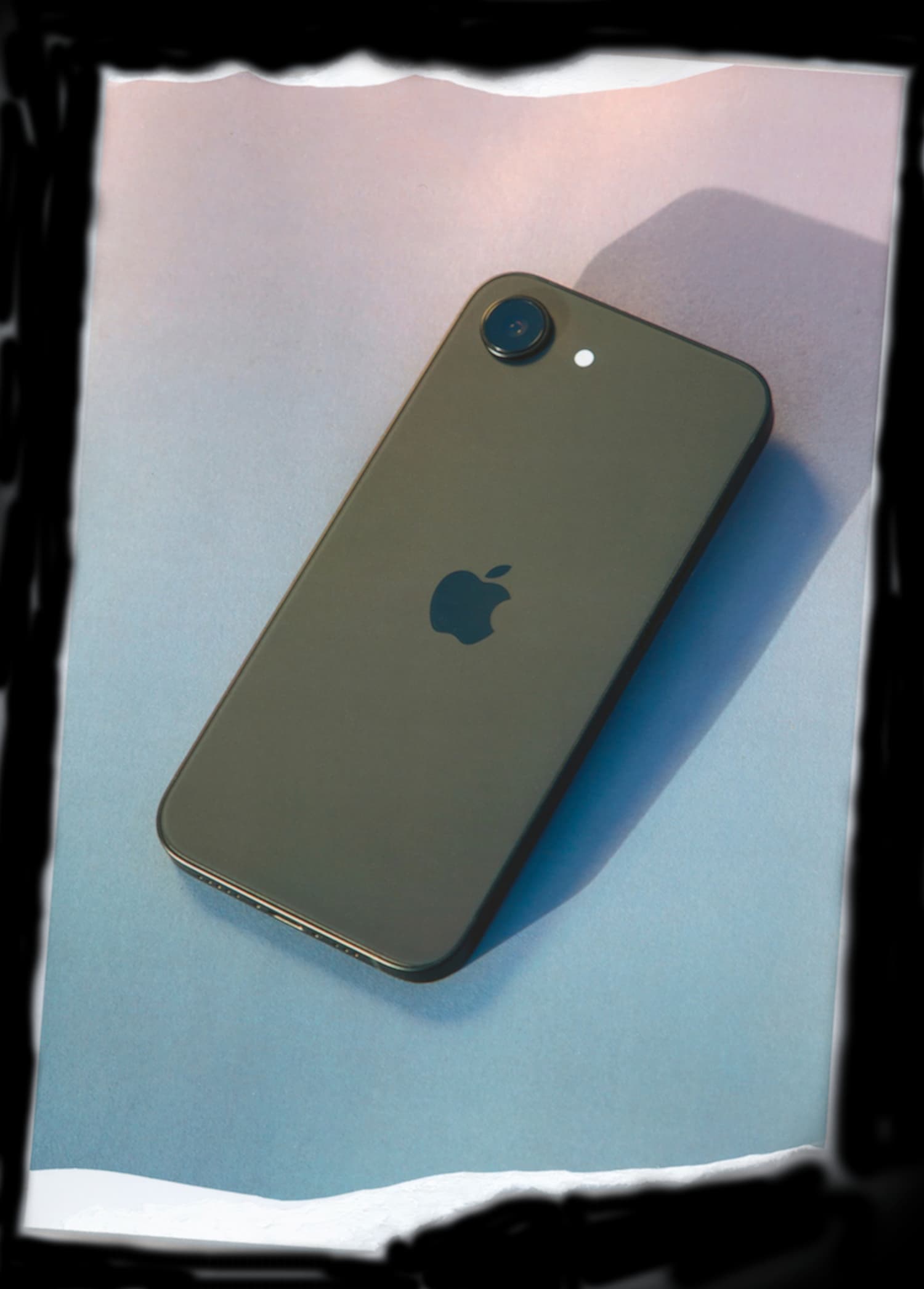
TobiPhone is a managed iPhone for families who want Apple hardware with no open App Store, browser, or social-media apps by default. It is not a content-monitoring product; it uses device management for app and settings boundaries.
Price and plan notes
Pricing is especially easy to misunderstand because many kids-phone options separate the device, cellular service, parent-control subscription, setup fee, or contract length. As of the same-day source check for this guide:
- Bark lists wireless plans from $29 per month, with a separate 24-month device payment for Bark Phone or Bark Phone Pro.
- Gabb lists Gabb Phone 4 at $249.99 plus a Gabb cellular plan; its service-plan article lists Standard from $29.99 per month and Advanced from $34.99 per month for new activations.
- Pinwheel lists a Caregiver Portal-only option at $17.99 per month for families using their own carrier, and Pinwheel Wireless at $29.99 per month with cellular service.
- TobiPhone lists memberships at $18 per month plus a one-time setup and activation fee, currently $775 or $1,335 depending on the phone path shown before enrollment.
Treat those numbers as a starting point for comparison, not a substitute for reading the current checkout terms.
Where TobiPhone fits
TobiPhone is for families who want their teen to have a real iPhone, but not the full default smartphone environment. It is a smaller-start iPhone path, not a content-monitoring product and not a replacement for family rules.
- You want a real iPhone instead of a kid-branded Android phone.
- You do not want an open App Store, browser, or social-media apps available by default.
- You prefer fewer risk surfaces over reading texts, photos, or app content.
- You want calls, texts, FaceTime, maps, camera, calendar, notes, weather, Find My, and parent-approved tools to remain possible.
- You are comfortable reviewing the live memberships page for the current phone path, setup fee, activation fee, return window, and enrollment total.
A simple decision rule
Choose the least complicated option that does the job. If a watch is enough, start there. If your teen needs texting, maps, camera, school tools, and parent-approved apps, compare kid phones and managed smartphones. If they need broad app access and your family is ready to maintain it, a regular smartphone with controls may be right.
The safer first step is usually the one your family can explain clearly and maintain calmly.
Next step
If you want a real iPhone with fewer default risk surfaces, review the TobiPhone App Guide and current memberships. If the fit is nuanced, schedule a no-pressure call before you decide.